Hi,
I wanted to know if there is a solution to customize the colors of the user interface on V4
Best Regards,
Hi,
I wanted to know if there is a solution to customize the colors of the user interface on V4
Best Regards,
Configuration Settings · PSAppDeployToolkit
UI.FluentAccentColor
https://devblogs.microsoft.com/scripting/powertip-use-powershell-to-display-known-colors/
In addition to @JimO's post, this is only available in v4.1.x, not v4.0.x. You should be updating if you're still on v4.0.x
Thanks, but I can't upgrade to 4.1 because some features don't work on Server 2016.
and if I understand correctly there is no solution to customize the 4.0
What's not working on Windows Server 2016?
It did when I last tested it. Any errors?
Can you please try this pre-4.1.6 release? It has fixes that may help here: - Fix incorrect double negation on `$isSyncDone` within `Test-ADTEspA… · PSAppDeployToolkit/PSAppDeployToolkit@2faeb0b · GitHub
Just replace your PSAppDeployToolkit folder with one from one of the ZIP files.
Sorry, I'm not very familiar with GitHub, where can I find the link to the download?
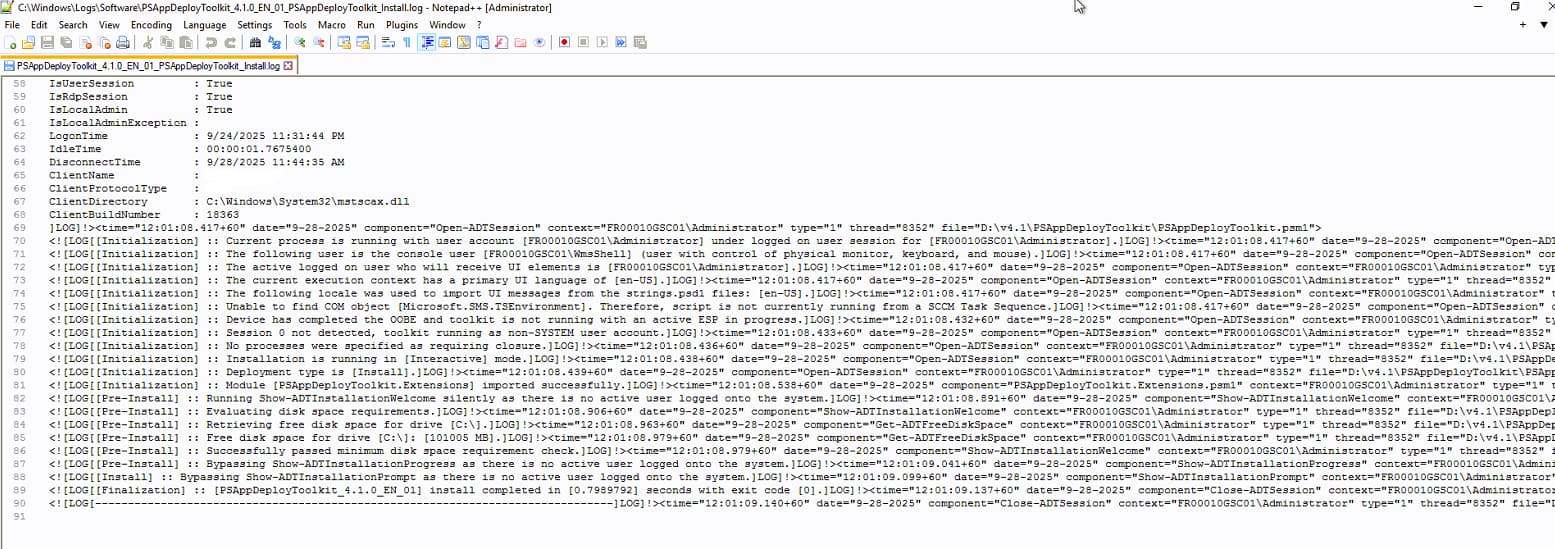
otherwise for info, here is how 4.1 behaves with Server 2022
Under Artifacts on the link I sent you. You'll need a GitHub account.
The thing is your issue isn't to do with the dialog code as such, your issue is that the toolkit thinks there's no logged on user to run the UI as.