Hi,
I'm almost sure I didn’t miss any existing topic related to this issue, so here it is:
I'm using the new version of PSADT 4.1.5 to deploy a package via Microsoft Intune.
The package shows a welcome screen with the option to Defer installation.
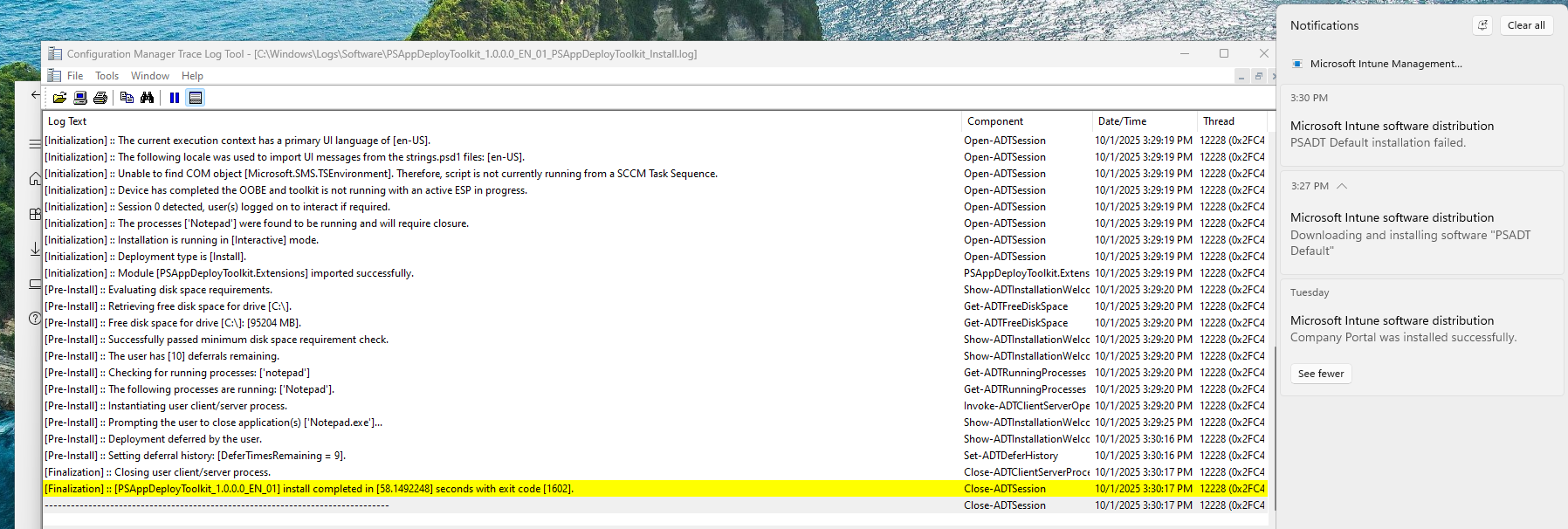
Everything looks fine in the local PSADT logs — I can clearly see the correct return code 1602 (indicating user deferral).
However, in Intune, the installation result is reported as exit code 1, as if PSADT didn’t pass the return code back to the Intune process properly.
Has anyone encountered the same behavior in 4.1.5?
Is this a known regression, or is there something that needs to be adjusted in the script to forward the exit code correctly?
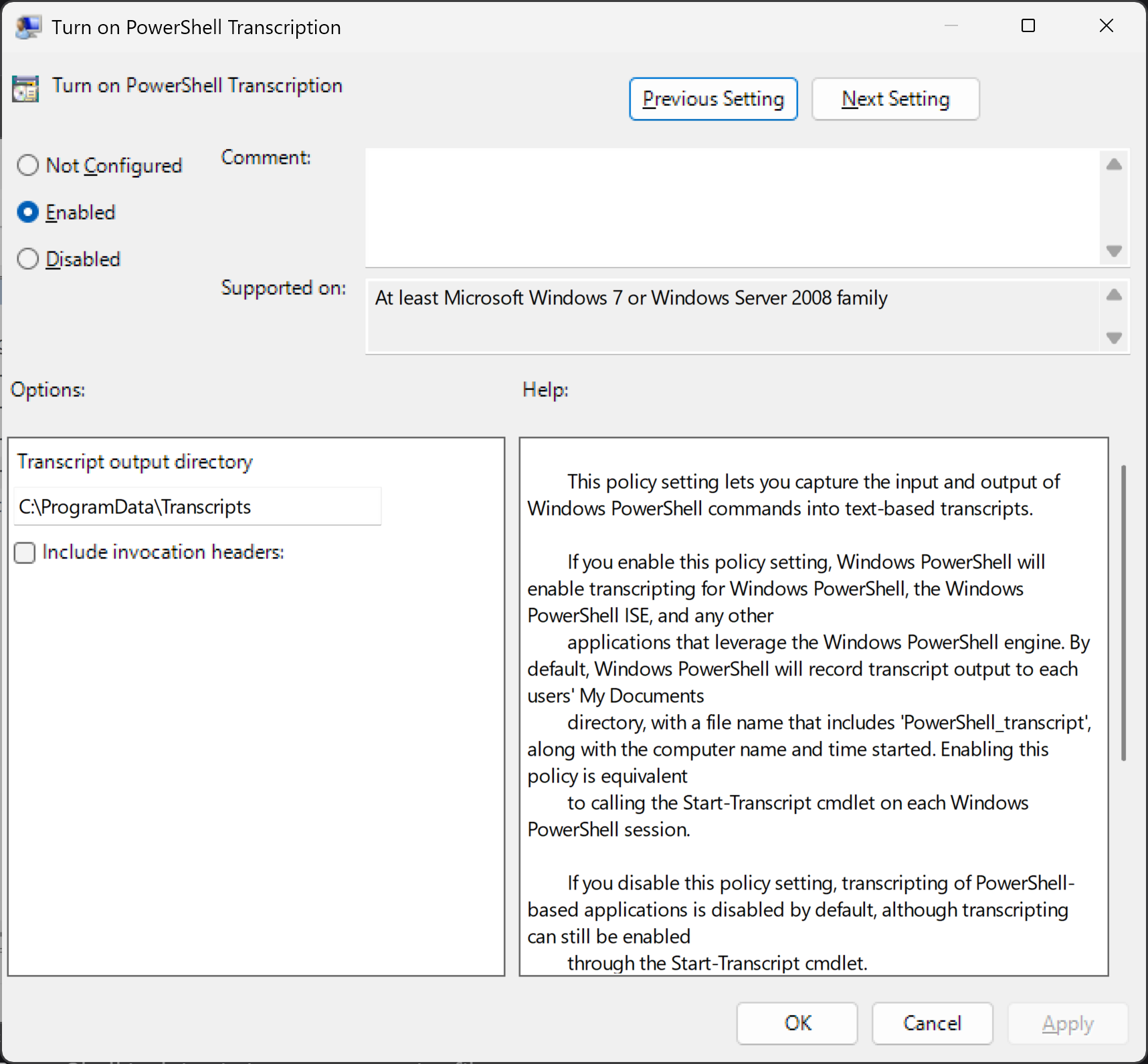
What I'd recommend is enabling global PowerShell transcription to disk in case something funky is occurring after the session is closed out, but before PowerShell exits.
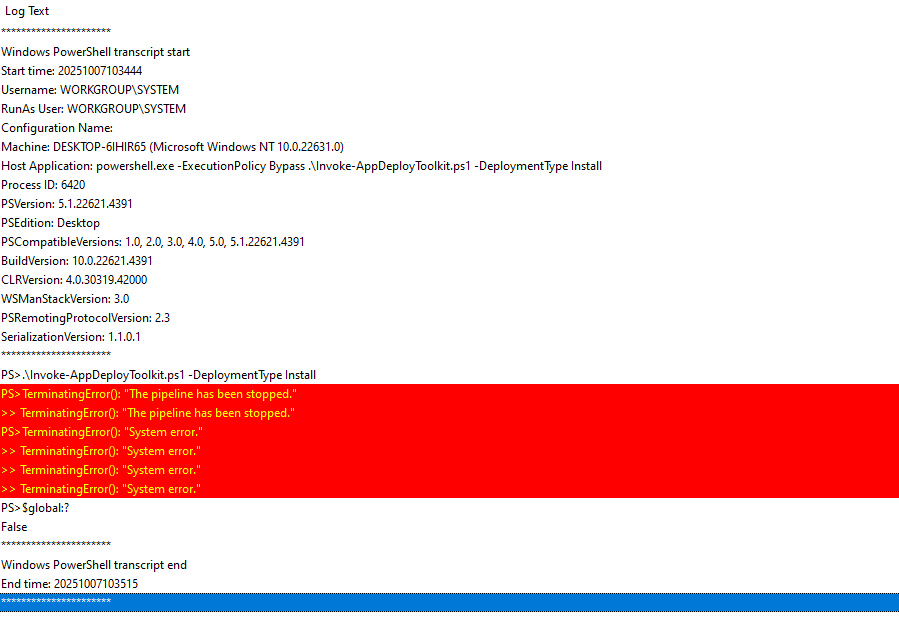
Well, there's your problem right there. When calling powershell.exe from the command line, never call your script without specifying -File. Your call is currently running as if you called Invoke-AppDeployToolkit.ps1 from the command line, so it's got no idea to exit with the exit code of the script.
Either do %windir%\sysnative\WindowsPowerShell\1.0\powershell.exe -ExecutionPolicy Bypass -File Invoke-AppDeployToolkit.ps1 -DeploymentType Install, or Invoke-AppDeployToolkit.exe, which we've shipped so that all of that boilerplate is managed for you.