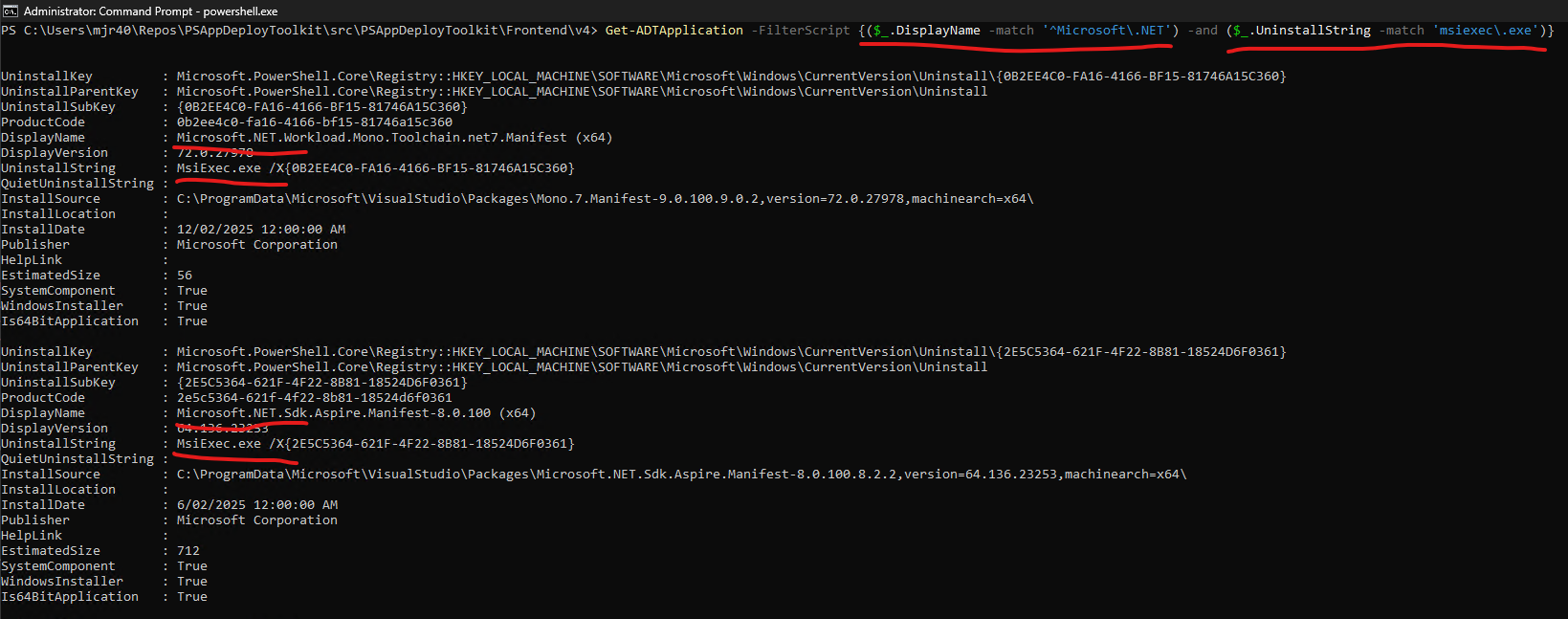
I used to use the below code:
## <Perform Pre-Installation tasks here>
	$partialAppName = "*$($adtSession.AppName)*"

    $regPaths = @("HKLM:\SOFTWARE\Microsoft\Windows\CurrentVersion\Uninstall","HKLM:\SOFTWARE\WOW6432Node\Microsoft\Windows\CurrentVersion\Uninstall")

    foreach ($regPath in $regPaths) {
        # Get all subkeys (applications) from the registry path
        $keys = Get-ChildItem -Path $regPath

        foreach ($key in $keys) {
            # Get the display name and uninstall string
            $displayName = (Get-ItemProperty -Path $key.PSPath -Name "DisplayName" -ErrorAction SilentlyContinue).DisplayName
            $uninstallString = (Get-ItemProperty -Path $key.PSPath -Name "UninstallString" -ErrorAction SilentlyContinue).UninstallString

            # Check for partial match
            if (($displayName -like $partialAppName) -and ($uninstallString -ne $null)) {
                if ($uninstallString.StartsWith("msiexec.exe /i",'CurrentCultureIgnoreCase') ) {
                    $msiProductCode = $uninstallString -replace "msiexec.exe /i"
                    Start-ADTMsiProcess -Action 'Uninstall' -FilePath "$($msiProductCode)"
                } else {
                    $uninstallString = $uninstallString -replace '"'
                    Start-ADTProcess -FilePath "$($uninstallString)" -ArgumentList '/S'
                }
            }
        }
    }
to address cases where the UninstallString contains “msiexec /i” instead of “msiexec /x” for some apps. I put this in the pre-install because for some (most?) apps, there is no clean way to update/upgrade so we prefer to uninstall any existing version before installing the current one.
I have since discovered that Get-ADTApplication can roughly do what I want. However, this time, I am trying to install Revit 2025 which installs multiple apps. I switched to using Get-ADTApplication to get the UninstallString but how can I recurse through the multiple apps that would be returned by searching for the app name “Revit” ?
Below is the code so far that uses Get-ADTApplication; how to modify it to recurse through the list of apps that contain “Revit” as stored in the variable $adtSession.AppName?
## <Perform Pre-Installation tasks here>
	$uninstallString = (Get-ADTApplication -Name "*$($adtSession.AppName)*").UninstallString

    if ($uninstallString.StartsWith("msiexec.exe /i",'CurrentCultureIgnoreCase') ) {
        $msiProductCode = $uninstallString -replace "msiexec.exe /i"
        Start-ADTMsiProcess -Action 'Uninstall' -ProductCode "$($msiProductCode)"
    } else {
        Uninstall-ADTApplication -Name $partialAppName -AdditionalArgumentList ""
    }