Hi guys,
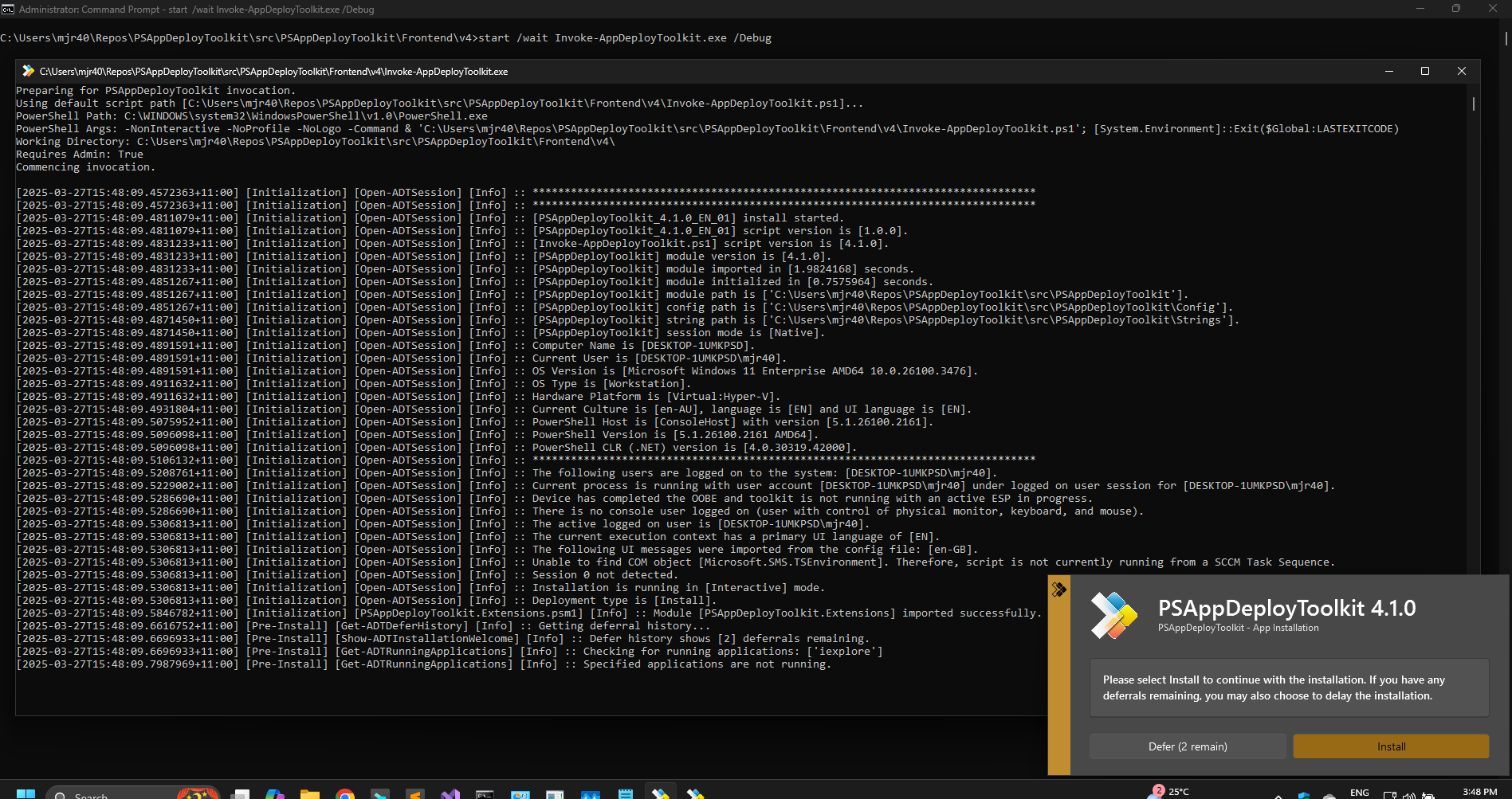
I have a question regarding error handling in the new PSADT 4.x.
My experience is that the toolkit displays an error message and the process does not continue/close:
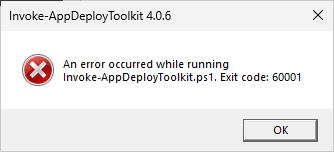
This is a big problem as we do not want to present such error message to the user and because of the process not coming to an end until the message is closed.
Our expectation would be that the process ends with the error exit code (60001 in the example) so that the software distribution system can correctly report and handle the error.
Otherwise the process will end in a timeout if the user does not react.
We already changed the Invoke-AppDeployToolkit.ps1 to prevent the extensive error message but did not find a way to do this with the short termination message:
catch
{
    Write-ADTLogEntry -Message ($mainErrorMessage = Resolve-ADTErrorRecord -ErrorRecord $_) -Severity 3
    #Show-ADTDialogBox -Text $mainErrorMessage -Icon Stop | Out-Null
    Close-ADTSession -ExitCode 60001
}
Is there a way to always prevent this message box and just end the process?
Thank you and kind regards